The most common passwords are short, predictable, and widely known from past data breache, exactly what attackers test first in credential stuffing and dictionary attacks. If any of your logins use these weak patterns or are reused across sites, your risk of account compromise rises sharply. This guide explains what makes common passwords so dangerous and shows you how to create and maintain stronger ones.
Contents
Key Takeaways
- The most common passwords are predictable and enable fast account takeover.
- Use long unique passphrases and enable multi factor authentication everywhere.
- Stop reuse, check for breaches, and store credentials in a password manager.
Why “Most Common Passwords” Are So Risky
Attackers do not guess at random. They build ranked wordlists from billions of leaked credentials and try those guesses first. Short, predictable, or reused passwords fall quickly to automated attacks, which makes account takeover much more likely.
- First on every attacker’s list: The most common passwords are tried before anything else by cracking tools and credential stuffing bots.
- Predictable patterns: Sequences like 123456, keyboard walks like qwerty, and obvious words like password are trivial to guess.
- Cosmetic complexity: Swaps such as P@ssw0rd or Password1 add little protection because these variants are in wordlists.
- Reuse multiplies risk: One breach can expose a password that opens many of your accounts when attackers try the same pair across sites.
- Short length collapses under brute force: Offline cracking rigs can test massive numbers of guesses per second, depending on the hash and settings.
- Password spraying works at scale: Attackers try a small set of common passwords across many accounts to avoid lockouts and rate limits.
- Public breach data tunes attacks: Guess lists are customized by country, language, and company, which raises the hit rate.
- Human patterns are predictable: people append 1 or ! to the current year during forced changes, which attackers expect and test.

Added protection with monitoring services
Signing up for monitoring and activity control tools such as SentryPC can alert you to suspicious activity and enforce safer usage on shared devices. Typical features include activity logs, time limits, and site or app blocking which helps reduce the fallout from stolen or reused credentials. Use this to complement long unique passphrases and MFA, not to replace them.
What Typically Appears on “Most Common Passwords” Lists
Attackers crack choices that appear in breach data, especially the most common passwords. Recognizing patterns that dominate password dumps helps you spot weaknesses and build stronger credentials for each account.
Repeating Numbers and Simple Sequences
Entries like 123456, 111111, 000000, 123123, and 121212 dominate breach reports because humans prefer short, easy sequences. Attackers test these first with automated wordlists built from leaks. Many accounts still fall to these quick checks, especially when users reuse credentials across services.
If any of your logins resemble the most common passwords, change them immediately and create unique, long alternatives for each site.
Keyboard Patterns and Easy Walks
Patterns that follow the keyboard layout are guessed quickly by cracking tools. Examples include qwerty, asdfgh, zxcvbn, 1q2w3e, and qwertyuiop. These strings feel random yet they are heavily overused, so they appear high in ranked lists.
Longer variants do not help much because attackers try extended walks too. Replace keyboard walks with a memorable passphrase that uses unrelated words and adequate length.
Obvious Words, Names, and Pop Culture
Words like password, admin, welcome, letmein, and dragon are perennial favorites. Additions like Summer2025 and Football2025 are common too, especially when people echo seasons or interests. Attackers customize lists by region and language which boosts success rates.
If your password is a dictionary word or a familiar phrase that appears among the most common passwords, replace it with a unique passphrase immediately.
Cosmetic Tweaks and Predictable Suffixes
Simple substitutions like P@ssw0rd, Password1, and Welcome! do not defeat modern guessing because these tweaks appear in cracking dictionaries. Appending the current year or an exclamation mark is equally weak.
Attackers generate common mutations automatically and try them early. A safer approach favors length and randomness through passphrases generated by a password manager with unique credentials for each account and multi factor authentication enabled.
How to Tell If You’re at Risk
Knowing your risk starts with honest checks of password strength, reuse, and exposure. Review common warning signs, verify against breach data, and prioritize accounts where a takeover would cause harm.
Weak Password Red Flags
Short passwords, predictable patterns, and personal references raise risk quickly. Watch for lengths under 12 characters, sequences like 123456, keyboard walks like qwerty, and dictionary words. Avoid names, birthdays, or pet names. Beware predictable tweaks such as capitalizing the first letter and adding 1 or an exclamation. If the password feels easy to remember without a manager, it is probably weak.
Reuse Across Accounts Increases Risk
Reusing passwords creates a single point of failure. If one site is breached, attackers test the same email and password on banking, social, and work accounts using credential stuffing.
Shared stems and predictable suffixes count as reuse because tools try common mutations. Unique passwords for every login contain damage. Start by auditing whether your primary email password differs from every other account.
Exposure Checks With Breach Databases
Verify whether your credentials appear in known breach datasets using reputable breach checking services. These tools compare hashed fragments of your password safely and report matches without revealing the full secret.
If a hit appears, change that password immediately and anywhere it was reused. Enable multi factor authentication on the affected accounts and review recent sessions for unfamiliar devices or locations.
Account Sensitivity and Impact Assessment
Risk depends on the account’s power and the data it guards. Email can reset other logins. Cloud storage and password managers hold sensitive information. Financial apps and payroll can move money. If a weak or reused password protects any of these, your risk is high. Prioritize hardening these accounts first with long unique passphrases and strong multi factor authentication.
Signals of Active Compromise
Watch for alerts that suggest someone is testing or using your account. Unexpected MFA prompts, new sign in notifications, password reset emails you did not request, or unfamiliar devices in session history are urgent warnings.
Bounced messages, missing funds, or changed profile details also indicate trouble. If you see any signal, change the password, revoke sessions, and update recovery options.
How to Create a Stronger Password (Passphrase First)
Stronger passwords start with long, memorable passphrases that resist guessing and reuse. Aim for unique secrets per account, managed safely, and reinforced with multi factor authentication for services in life.
Prefer Length and Passphrases
Length expands the search space attackers test. Build passphrases from unrelated words you recall easily. Four or five words create strong memorable secrets that resist offline cracking and automated guessing.
- Aim for 16 characters or more per password.
- Prefer four to five random words for primary accounts.
- Add entropy with uncommon words, capitalization, and occasional punctuation.
- Avoid quotes, song lyrics, or famous phrases.
Make Every Password Unique
Reused passwords let one breach unlock many accounts. Unique credentials isolate risk so a single compromise does not spread. Prioritize email, bank, and password manager with distinct secrets for each.
- Never reuse a password across different sites or apps.
- Shared stems or predictable suffixes count as reuse.
- Use your manager to generate new unique passwords for every signup.
- Replace reused credentials starting with highest risk accounts.
Avoid Predictable Patterns and Personal Info
Attackers target human habits that create predictable passwords. Avoid sequences, keyboard walks, seasons, sports, or years. Do not base passwords on names, birthdays, addresses, pets, or employer since details leak.
- Skip patterns like 123456, qwerty, or Password1.
- Do not append current year or an exclamation to weaken predictability.
- Avoid song lyrics, quotes, or common phrases.
- Use unrelated words and add lightweight randomness.
Use a Password Manager Effectively
Password managers reduce mental load and prevent reuse. They generate strong credentials and store them securely across devices. Protect the vault with a long passphrase and multi factor authentication enabled.
- Choose a reputable, audited manager with strong platform support.
- Use the generator to create unique passwords for every account.
- Sync across devices with encryption at rest and in transit.
- Back up recovery codes securely offline.
Enable Multi-Factor Authentication Everywhere
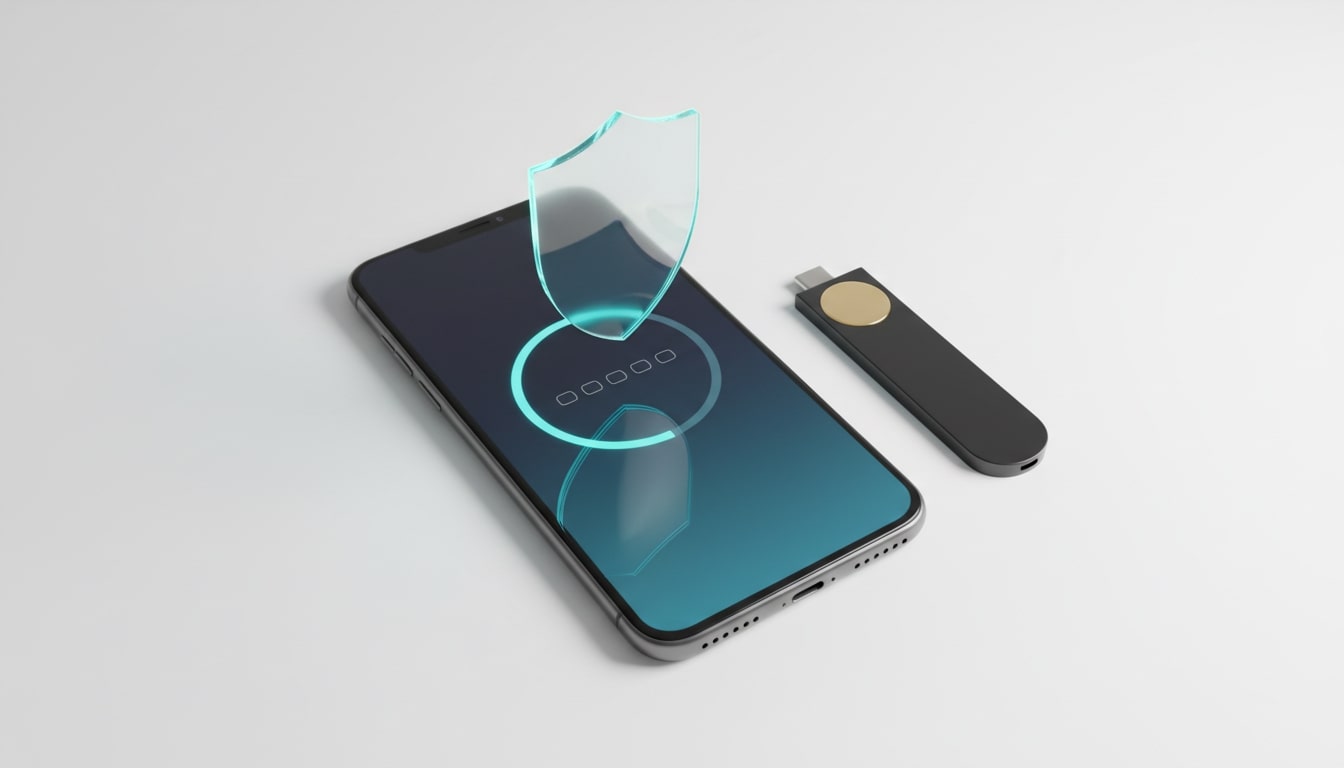
Multi-factor authentication adds a second check that blocks automated takeovers. If attackers learn a password, they need a code or key. Use authenticator apps or hardware keys for protection.
- Prefer authenticator apps or hardware security keys over SMS.
- Enable MFA on email, bank, cloud storage, social, and password manager.
- Store backup codes offline in a secure place.
- Watch for unexpected prompts and deny them.
Upgrade Old Passwords Safely
Improving your current passwords can be systematic and safe. Start with accounts that create the biggest blast radius. Replace weak and reused credentials first, then extend improvements across remaining services.
- Triage order: email, financial, cloud storage, work, password manager.
- Generate new passphrases and update stored entries in your manager.
- Enable MFA during each update.
- Review recovery email, phone, and backup codes.
Conclusion
The most common passwords remain an easy target and they appear in breach analysis every year. Your best defense is long, unique passphrases for each account supported by multi-factor authentication. Focus on high-impact accounts first, audit for reuse, and replace weak patterns now. With a password manager, passkeys are available, and strong recovery settings you can cut takeover risk with minimal effort.
For more ways to protect your family from cyber threats, check out our home security article!
FAQ: Most Common Passwords Risks and Alternative Protection
- What are passkeys and should I switch?
- Passkeys use public key cryptography through WebAuthn and FIDO2 which removes shared secrets and blocks phishing. There is nothing to type or store like a traditional password. Enable passkeys where your providers support them and keep at least two authenticators such as a phone and a hardware key.
- Are password strength meters reliable?
- They are a helpful guide for length and basic pattern checks, but they are not a guarantee of safety. Many meters cannot tell if a password is already in breach data unless the site screens against known compromised lists. Prefer 16 character passphrases and unique credentials per site, ideally generated by a password manager.
- How can I protect against keyloggers and other theft on my devices?
- Keep your operating system and browser updated and reduce risky extensions. Use reputable security software and avoid sideloaded apps. Prefer passkeys or hardware security keys to remove most password typing. Review active sessions for your accounts and sign out unfamiliar devices.
- Should I change passwords on a schedule?
- Change passwords when you see signs of compromise, after a breach notice, or when you shared access, not on a fixed calendar. Forced frequent changes often lead to predictable tweaks that attackers expect. Rotate privileged admin accounts after staff changes and keep MFA on at all times.
- How do I secure recovery options and reduce SIM swap risk?
- Store backup codes offline in a safe place that you control. Use an authenticator app or hardware security keys instead of SMS when possible. Set a port out PIN with your mobile carrier and verify that recovery emails and numbers are current and secured with strong authentication.