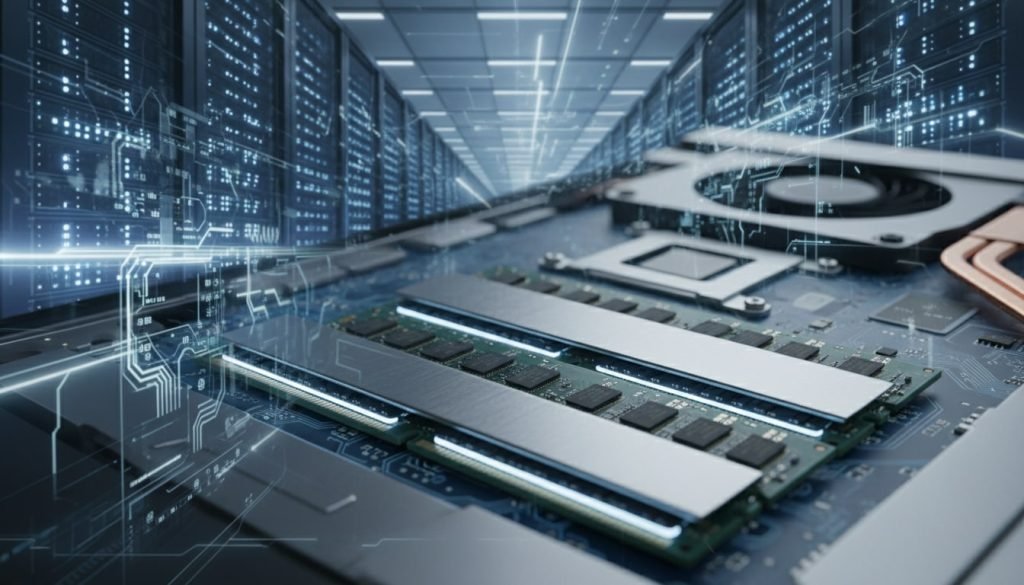
If your laptop still runs okay but your budget suddenly doesn’t, you’re not imagining it. That simple RAM upgrade is much more expensive than it was two years ago. RAM is integral to keeping every single task in your laptop faster, including document edits, spreadsheet creations, video editing, and conference calls.
Because of the AI boom, RAM is now a luxury as data centers are grabbing as much as possible to fully run their own LLMs solutions. rendForce analyst Avril Wu summed up the mood with a blunt line: “If you want a device, you buy it now.” That’s not advice anyone wants when work requires dependable, affordable gear. For freelancers and work-from-home employees, the impact isn’t theoretical. Higher component prices can push back replacements, leave you with less performance breathing room, and make simple reliability harder to afford.
Post Contents
Key Takeaways
- AI data centers are buying memory in huge volumes, which is why a RAM upgrade that used to feel routine can now feel like a pricey work expense.
- Manufacturers are putting more capacity into higher-profit, AI-focused memory products, so regular consumer modules can be tighter on supply and more erratic on pricing.
- Remote work today is simply heavier than it used to be. Video calls, lots of browser tabs, and multiple apps running at once can push a low-RAM system into freezing or lagging, which quickly turns into lost time and lost income.
- A practical workaround is buying a refurbished, business-class laptop that still has upgradeable RAM slots. You get a sturdier machine and a clear path to 16GB or more without paying the “new gear” premium.

The New Cost Of Staying Productive From Home
Remote work depends on your hardware more than most people realize. It’s easy to forget until the day your laptop starts lagging, crashing, or missing updates. Then it becomes obvious that “reliable tech” isn’t a nice-to-have, it’s part of doing your job well.
Modern Remote Workflows Demand More Memory
Most remote work days don’t run on one browser tab and a basic document anymore. You’re usually juggling HD video calls, shared docs, project management tools, chat apps, and a pile of research tabs at the same time.
All of that fights for your computer’s memory. When RAM runs low, the system starts pushing data onto your storage drive, which is much slower. That’s when you feel the stutter. Screens freeze mid-call, apps take forever to switch, and a simpler task like jumping between a spreadsheet and Slack message starts to drag.
For remote workers, those hiccups aren’t just annoying. They can interrupt client meetings, slow down delivery, and chip away at billable hours.
Why Memory Is The Silent Engine Of Efficiency
RAM is your computer’s short-term workspace. When you have enough of it, your machine can keep the things you’re actively using ready to go. Work feels smooth because you’re not constantly waiting for programs to reload or tabs to catch up.
That extra breathing room matters even more when your day is split into smaller blocks of focus. If you’re balancing work with household logistics, family needs, or caregiving, you often have to make progress in short windows. A responsive laptop helps you use those windows well.
When memory is tight, those same windows get eaten up by loading bars and spinning icons. The work itself doesn’t change, but it starts feeling like you’re racing your own computer.
Why RAM Prices Are Rising So Fast
RAM didn’t suddenly become “better.” What changed is who’s doing the buying. A lot more demand is coming from AI infrastructure, and those buyers have deeper pockets than the average laptop shopper. That shift is starting to show up in supply contracts and, eventually, retail prices.
AI data centers are buying memory at a different scale
AI training and inference chew through memory because performance improves when big working datasets stay close to the chips doing the compute. When hyperscalers build or expand clusters, they don’t order a little extra RAM. They place huge, repeat orders that can soak up a meaningful chunk of available supply.
They also tend to be less price-sensitive than consumers, since memory is just one line item inside a much larger build. That’s why the market can get tight fast, and why price pressure doesn’t stay contained to servers. TrendForce analyst Avril Wu put it bluntly in NPR coverage, saying, “If you want a device, you buy it now.”
Memory makers are prioritizing higher-margin AI-focused products
When demand is strong and margins are better, manufacturers naturally steer capacity toward the products that make the most business sense. Right now, that often means AI-adjacent memory like high-bandwidth memory (HBM) and other server-focused DRAM, because it sells at a premium and has steadier demand.
Bacloud summarizes this shift as a market being pulled toward HBM and server-class DRAM, which can leave mainstream consumer modules feeling tighter and less predictable on price. The end result is simple: the “normal” upgrade that used to be routine can start feeling surprisingly expensive.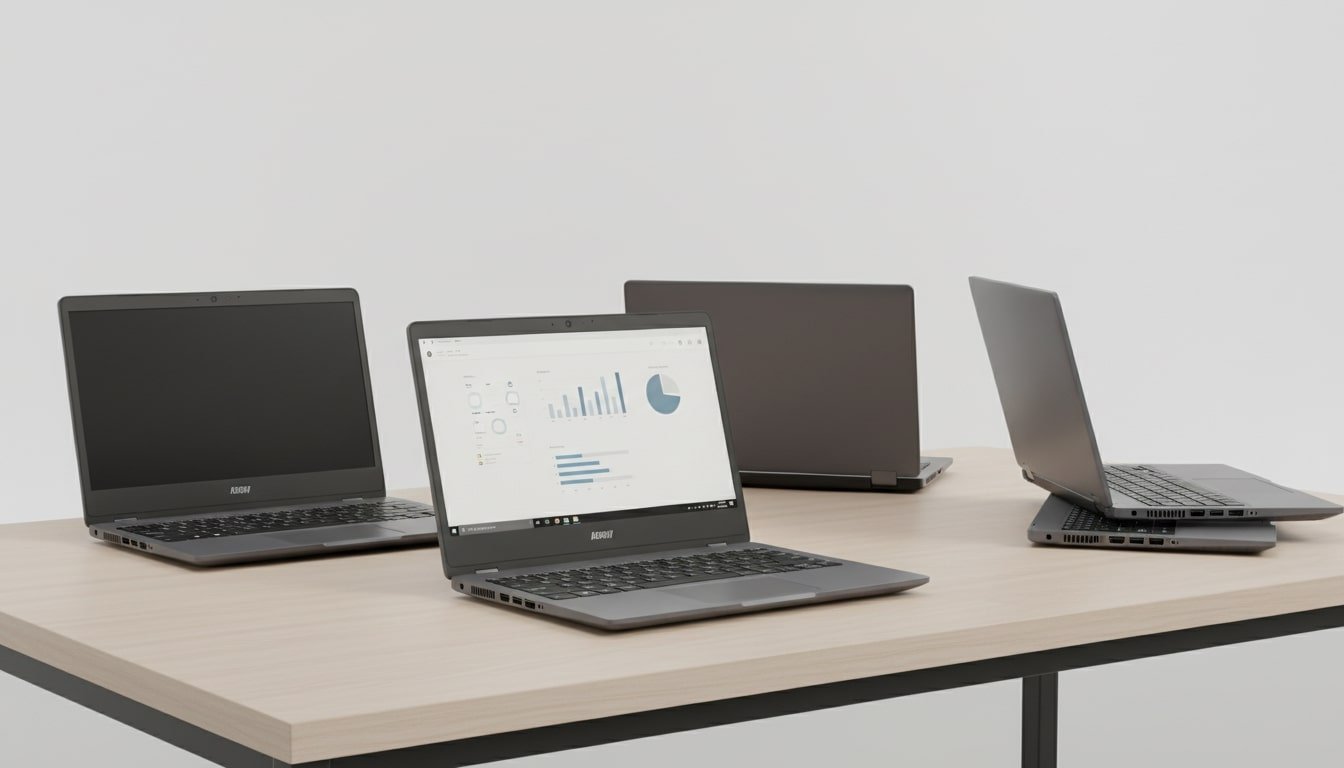
Supply can’t expand quickly, even when prices scream “make more”
High prices don’t create new memory supply overnight. Manufacturing needs specialized equipment, strong yields, and long qualification cycles. Even if companies decide to expand, bringing new capacity online is a multi-year process, not a quick switch.
That lag is why spikes can stick around, and why volatility shows up when big buyers try to lock in inventory early. For remote workers, it’s a frustrating backdrop because your replacement cycle runs on “my laptop is struggling now,” not “when the next fab is ready.”
Finding Cheaper Legacy Equipment That Still Works For Remote Work
Finding affordable gear doesn’t mean settling for junk. The right “legacy” laptop can still handle modern remote work, and it can protect your budget while memory prices stay elevated.
What Legacy Should Mean In 2026
Legacy doesn’t have to mean old or slow. In this context, it means a machine that’s a few years behind the latest releases but still plays nicely with current software and security updates.
Business-class laptops are usually the best targets. Companies buy them to run all day, get carried around, and survive daily wear. They’re also designed to be serviced, which is exactly what you want when you’re trying to stretch value.
Look for models that still get security patches and can run your everyday work stack without strain. Aim for 16GB of RAM, or at least a model with upgradeable slots so you can add more later. These machines often have better keyboards, more ports, and sturdier builds than brand-new budget laptops, which matters when you’re working on them for hours.
Where The Value Hides In Used And Refurbished Gear
A lot of the best deals come from corporate off-lease laptops. Many companies refresh fleets on a schedule, often around the three-year mark, even if the machines are still running fine. Those laptops end up with refurbishers who clean them up, test parts, and resell them for a fraction of the original price.
If you buy through a reputable seller with clear grading, a real warranty, and a solid return window, you can land a premium laptop at a reasonable price. This frees up money you need to buy things that boost your productivity ,like a new chair or a second monitor.
Red Flags That Make Cheap Gear Expensive
A deal stops being a deal when it creates extra friction. A few checks upfront can save you a lot of pain later.
- Avoid laptops with soldered RAM that can’t be upgraded. If it’s stuck at 8GB, it’s going to feel tighter every year as apps and browsers get heavier.
- Confirm the operating system is still supported. No security updates means added risk for client data and your own accounts.
- Check battery health and replacement options. A machine that only works plugged in, or can’t be repaired easily, loses its usefulness fast.
- Look up common failure points for the exact model. Some lines are great overall but have known weak spots (hinges, keyboards, charging ports).
Conclusion
Rising RAM prices aren’t just a tech headline. They turn into a real problem for anyone who relies on a dependable home workstation. For remote freelancers, the pressure shows up in delayed upgrades. As newer programs or apps require better hardware, many are pressured to consider upgrading their workstations with the markups.
It helps to understand what’s driving memory costs and where the good deals still are. They can still pull back controls to your hand. If you can avoid a rushed replacement and plan your upgrade, you will get a workable setup at a reasonable price.
FAQ: Surging RAM Prices
- Why does AI affect RAM prices if I only work from home?
- AI companies buy huge amounts of memory to train and run models, and that demand can soak up supply that would normally flow into consumer devices. Since manufacturers can’t ramp production instantly, price pressure spreads across the whole market, including the laptops and desktops people use for remote work.
- Should remote workers upgrade RAM now or wait?
- If your current machine is actively limiting your work, waiting can cost more than the upgrade through lost time and missed momentum. If things still feel stable, you may be able to stretch your system longer by trimming background apps, reducing browser load, or upgrading storage first, then watching RAM pricing before committing.
- Is older hardware still safe for professional remote work?
- Yes, as long as it supports a current operating system and still receives security updates. Business-class laptops from a few years ago can be a solid choice, especially if they’re well maintained and can run modern software without struggling.
- How much RAM is realistically enough for remote work today?
- For most remote work that’s heavy on browsers, video calls, documents, and everyday tools, 16GB is a comfortable baseline. Design, development, and data-heavy work can benefit from more, but dipping below 16GB tends to feel restrictive pretty quickly.
- What is the biggest mistake people make when buying cheap laptops?
- They buy a machine with non-upgradeable RAM or outdated software support. It looks like a bargain at checkout, then it gets expensive through slow performance, security headaches, and an earlier-than-expected replacement.