Landing a remote role at Microsoft usually takes more than applying to every job title that looks good on paper. You have the read the posting the way Microsoft intends it to be read. Each listing explains how the role is a “remote freelance opportunity.”
Competition is tough, so the goal is to show two things at once: how your experience can benefit Microsoft in the long run and how you are independent in doing your tasks. Strong remote candidates make it easy to trust employers’ judgment, their follow-through, and their communications.
This guide walks you through the full application process, with practical resume tweaks, interview prep, and a clear look at the skills that show up again and again in Microsoft’s most remote-friendly roles.
Post Contents
Key Takeaways
- You’ll get better results by reading Microsoft’s job labels carefully, especially “0 days / week in-office,” instead of applying to every role that sounds remote.
- Strong candidates show both job expertise and the remote basics: self-management, clear communication, and the ability to keep work moving without constant check-ins.
- A Microsoft-ready resume leads with outcomes. Measurable impact and real results land better than long responsibility lists or generic tool stacks.
- Interviews go well when you show how you learn, adapt, and collaborate through a screen. Growth mindset matters, but so does proving you can build trust on Microsoft Teams and deliver in a distributed team.
Remote-Friendly Microsoft Careers And The Skills They Require
Microsoft has remote roles across a lot of job families, but the day-to-day expectations can look very different depending on the team. Knowing what each path actually involves helps you aim for roles where your experience fits naturally, instead of trying to stretch your background into something it isn’t.
Software Engineering And Cloud Architecture
Software engineering at Microsoft covers everything from customer-facing apps to large-scale Azure systems. In remote teams, the work isn’t only about writing solid code. It’s also about making your work easy for others to understand when you aren’t all online at the same time.
You’ll rely on clean commitments, useful documentation, and clear pull requests to keep everyone aligned. Time zone gaps are common, so your comments and write-ups need to stand on their own without a live explanation.
Skills you’ll see often:
- Strong coding skills in C#, Java, Python, TypeScript, or Go
- Cloud experience (Azure is a plus, AWS or GCP still counts)
- Comfort with APIs, microservices, and distributed systems
- Debugging skills and steady problem-solving habits
- Familiarity with DevOps workflows and CI/CD tools
- Clear writing for documentation and code reviews
Product And Program Management
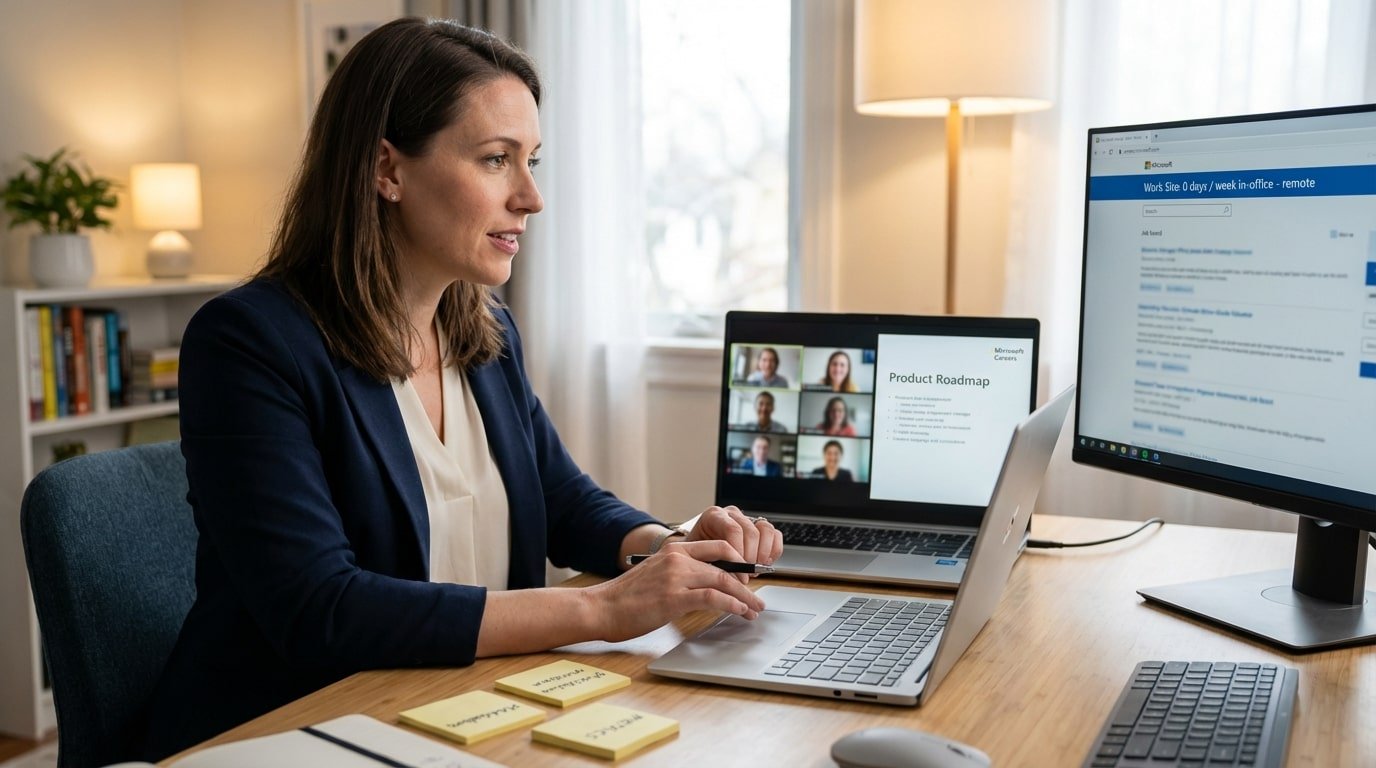
Product and program managers help decide what gets built, why it matters, and how teams deliver it. In remote setups, a lot of the job is keeping people aligned without hallway conversations or quick desk drop-ins.
You’ll spend time pulling together customer input, business goals, and engineering realities, then turning that into plans people can follow. Strong PMs write clearly, run tight meetings, and move decisions forward by influence, not job title.
Skills you’ll see often:
- Prioritization and roadmap thinking
- Stakeholder management across multiple teams
- Data literacy for making product calls
- Enough technical fluency to work smoothly with engineers
- Strong writing for specs, updates, and presentations
- Comfort with tools like Azure DevOps or Jira
Customer Success And Technical Support
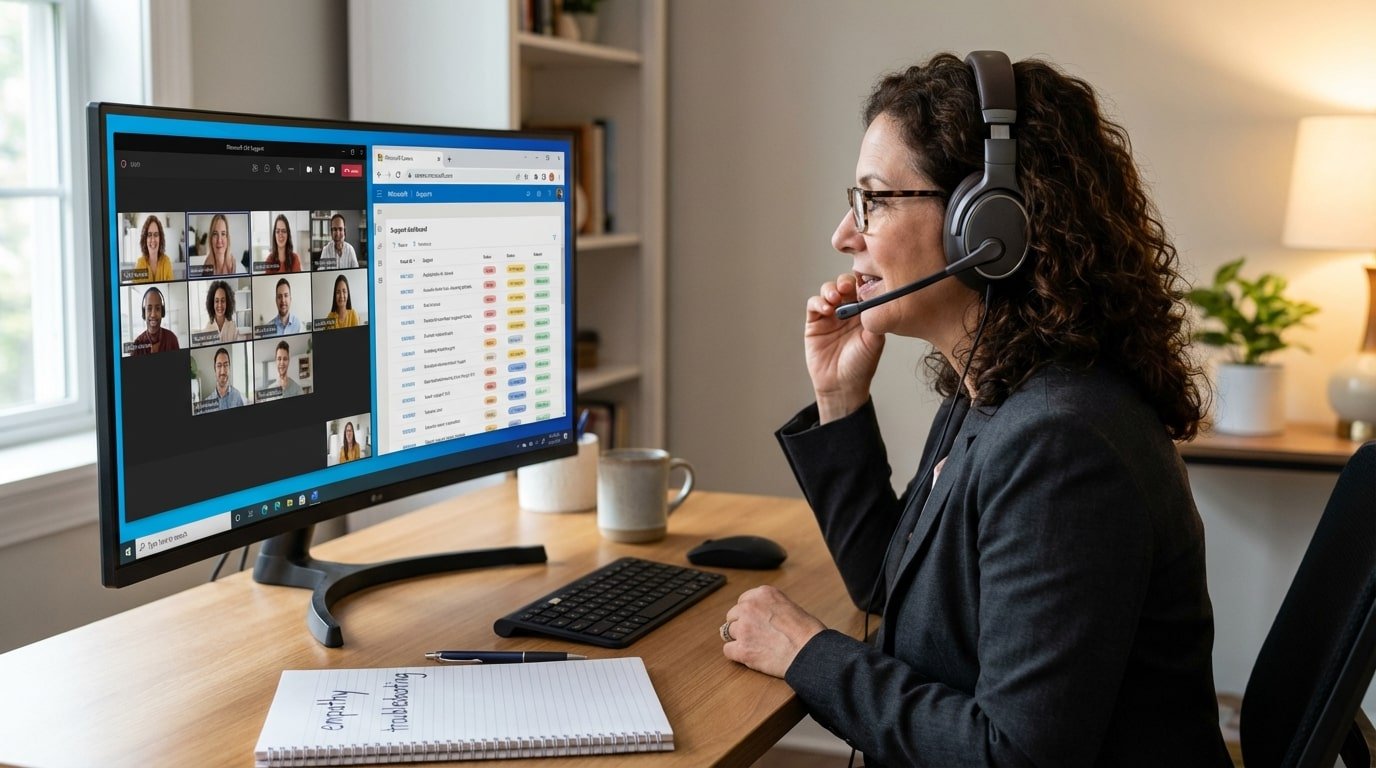
These roles sit close to the customer. You help people troubleshoot problems, roll out products, and get value from what they’re paying for. When the work is remote, your tone and ability to clarify subject matters. You can clearly convey your message when resolving tickets or taking calls/chats.
You’ll often deal with customers who are stressed or blocked. Being calm, organized, and easy to understand is a real advantage, not just a “nice to have.”
Skills you’ll see often:
- Solid knowledge of Microsoft platforms (Microsoft 365, Azure, Dynamics 365, and others)
- Troubleshooting and diagnostic skills
- Strong verbal and written communication
- Empathy and active listening
- Time management across multiple cases
- Familiarity with CRMs and ticketing systems
Sales, Solutions, And Partner Management
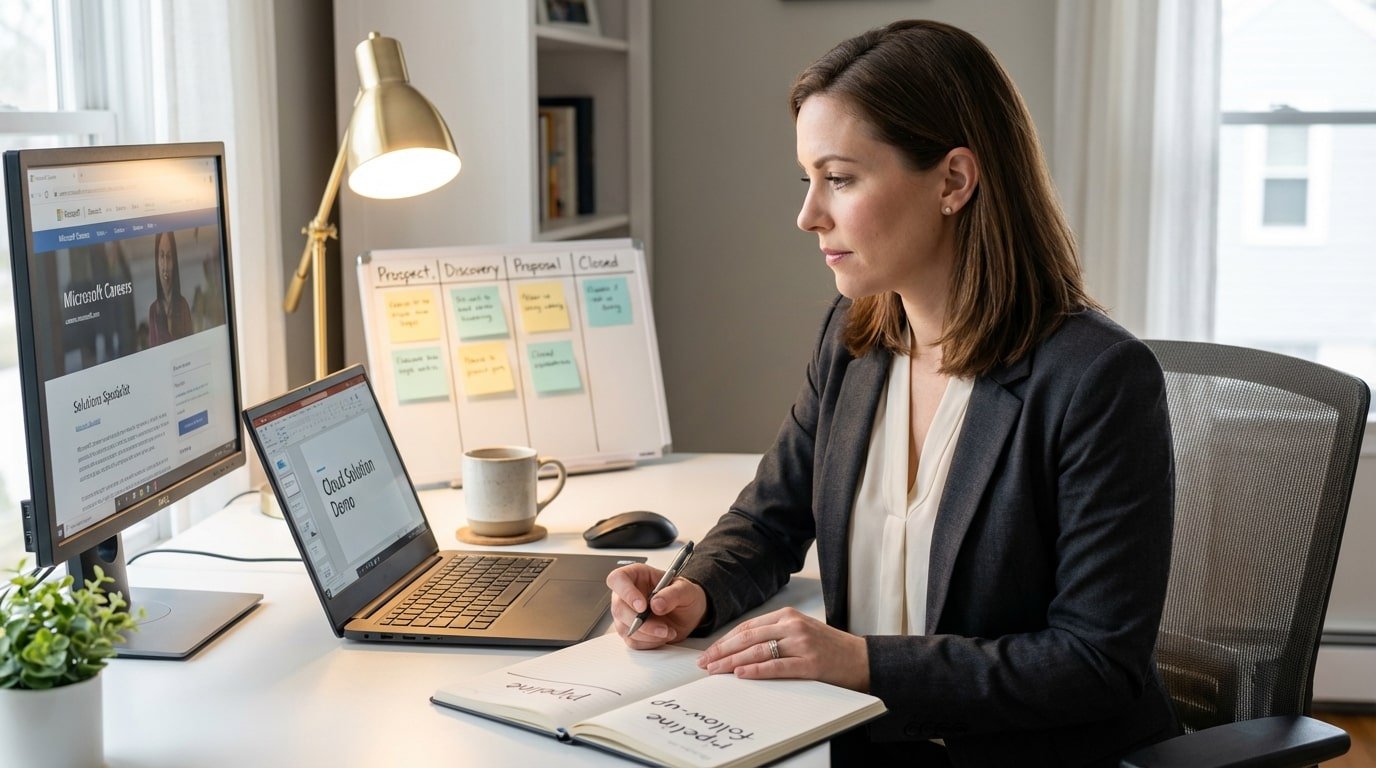
Microsoft sales is a relationship-driven, but remote selling means you can’t lean on in-person meetings to build trust. You’ll use video calls, demos, and consistent follow-up to move deals forward. That also means being disciplined about pipeline management, because nobody’s watching your calendar.
Solutions architects and partner managers often work alongside sales, helping design the right approach and manage technical relationships with partners. These roles sits at the intersection of business goals and technical reality.
Skills you’ll see often:
- Consultative selling and relationship-building
- Understanding enterprise tech environments
- Confident presenting and running virtual demos
- Negotiation and contract experience
- CRM comfort (Dynamics 365 or Salesforce)
- Self-management and quota ownership
Data Science, Analytics, And Applied AI
Data roles at Microsoft involve turning messy information into decisions people can act on. Remote data work still involves a lot of collaboration, just in a different form. You’ll align on the question, define what “success” means, then communicate findings in a way that’s clear to non-technical stakeholders.
The technical work matters, but so does explaining it. A strong model doesn’t help much if nobody understands what to do with the output.
Skills you’ll see often:
- SQL and strong querying habits
- Python or R for analysis and modeling
- Statistics and machine learning fundamentals
- Visualization tools like Power BI or Tableau
- Business context and practical judgment
- Clear communication of results and tradeoffs
Design, UX Research, And Content Strategy
Design and research roles shape how people experience Microsoft products, not just how they look. Remote designers and researchers still do user studies, prototype, and iterate with product and engineering. The difference is that collaboration depends more on written rationale, async feedback, and well-organized handoffs.
Content strategists and technical writers help users understand products through documentation, in-product guidance, and structured messaging. It’s a user-advocacy role in a very practical form.
Skills you’ll see often:
- Tools like Figma, Adobe Creative Suite, or Sketch
- Research methods (interviews, usability tests, surveys)
- Interaction design and information architecture
- Strong writing and editing for clarity
- Comfortable collaborating in remote workflows
- A portfolio that shows user-centered thinking
Business Operations, HR, And Marketing
These roles keep teams running smoothly, even when people are spread across regions. Remote ops, HR, and marketing work tends to be process-heavy and coordination-heavy. You’ll manage projects, keep stakeholders moving in the same direction, and handle details that can’t slip.
Being organized is important, but responsiveness and clear communication are what make you reliable in these functions.
Skills you’ll see often:
- Project management and process improvement
- Strong Microsoft Office skills (Excel, PowerPoint, Word)
- Planning and time management
- Relationship skills across teams
- Analytical thinking for measuring performance
- Flexibility when priorities shift midstream
Building A Microsoft-Ready Resume For Remote Applications
Your resume is doing more than listing experience. For a remote Microsoft role, it’s basically your proof that you can work without someone checking in on you every hour. Recruiters want to see signs you can manage your own time, communicate clearly, and deliver results in a distributed setup.
Highlighting Remote Readiness
Microsoft hiring teams tend to notice candidates who have already done real remote work, not just “worked with a remote team once.” Call out moments where you owned projects across time zones, coordinated through async updates, or kept a moving project on track using tools instead of meetings.
If you’ve used Microsoft Teams, Azure DevOps, GitHub, or similar platforms, mention them where it fits naturally, especially in bullets that show outcomes. Don’t just say you’re “comfortable remote.” Show it through examples like hitting deadlines, removing blockers, or leading a handoff cleanly without drama.
The Impact-First Bullet Point
A strong resume bullet explains what changed because you were there. That’s the difference between “responsible for” and “moved the needle.”
Try to lead with the result, then add the how. Numbers help a lot because they make your work easier to understand at a glance.
Instead of:
- Managed a remote team
Try:
- Improved delivery speed by 20% by tightening sprint planning and setting clearer async handoffs for a fully remote team
Even if you don’t have perfect metrics, you can still quantify scope. Think timelines, ticket volume, user counts, cost savings, or the size of the systems you supported.
Tailoring Your Skills Section
Microsoft job posts are usually specific about what they want. Read the role description and mirror the language you see there, especially around tools and work style expectations. That doesn’t mean copying and pasting. It means using the same vocabulary so your resume lines up with how they filter applications.
If a posting leans on themes like growth mindset or customer obsession, weave those into your experience in a grounded way. A quick example of learning fast or improving a customer outcome will land better than dropping the phrase into a skills list.
Also, skip the giant wall of software names. Focus on the tools and skills the role actually asks for, and back them up in your experience bullets.
Formatting Tips For Clarity
Make it easy to skim. Recruiters should be able to spot your most relevant experience in seconds.
Keep the layout clean, use consistent spacing, and stick to standard fonts. Avoid heavy design elements, charts, or icons since they can break in applicant tracking systems. Two pages is a good ceiling for most people, because it forces you to keep the strongest points and cut the filler.
Acing The Microsoft Interview For Remote Roles
Microsoft interviews are meant to test two things at the same time: how strong you are at the work itself, and how you think and operate as a teammate. When the role is remote, there’s an extra layer. You also have to show you can communicate clearly and stay effective when the relationship lives on a screen.
Understanding The Microsoft Growth Mindset
Microsoft talks a lot about “growth mindset,” and it’s not just a slogan. Interviewers want to hear that you learn fast, take feedback well, and don’t get defensive when something goes wrong.
Bring stories where you hit a real obstacle, made a mistake, or had to learn a new system under pressure. Then explain what changed because of it. A “learn-it-all” approach comes across when you’re honest about what you didn’t know, and clear about how you closed the gap. That matters even more in remote work, because you can’t rely on someone sitting nearby to guide you through every new tool or process.
Preparing Your Stories With The STAR Method
Behavioral questions are easier when you walk in with a few stories already mapped out. STAR helps because it keeps you from rambling, which is a common problem on video calls.
Pick examples that show you can work across teams, handle disagreement without getting stuck, and take ownership when the job gets messy. For remote roles, it helps a lot to include at least one story where you built trust or delivered results with someone you never met in person. That’s the day-to-day reality of distributed teams.
A simple way to practice is to say each story out loud and time it. Aim for a clear arc and a solid result, not a five-minute recap of every detail.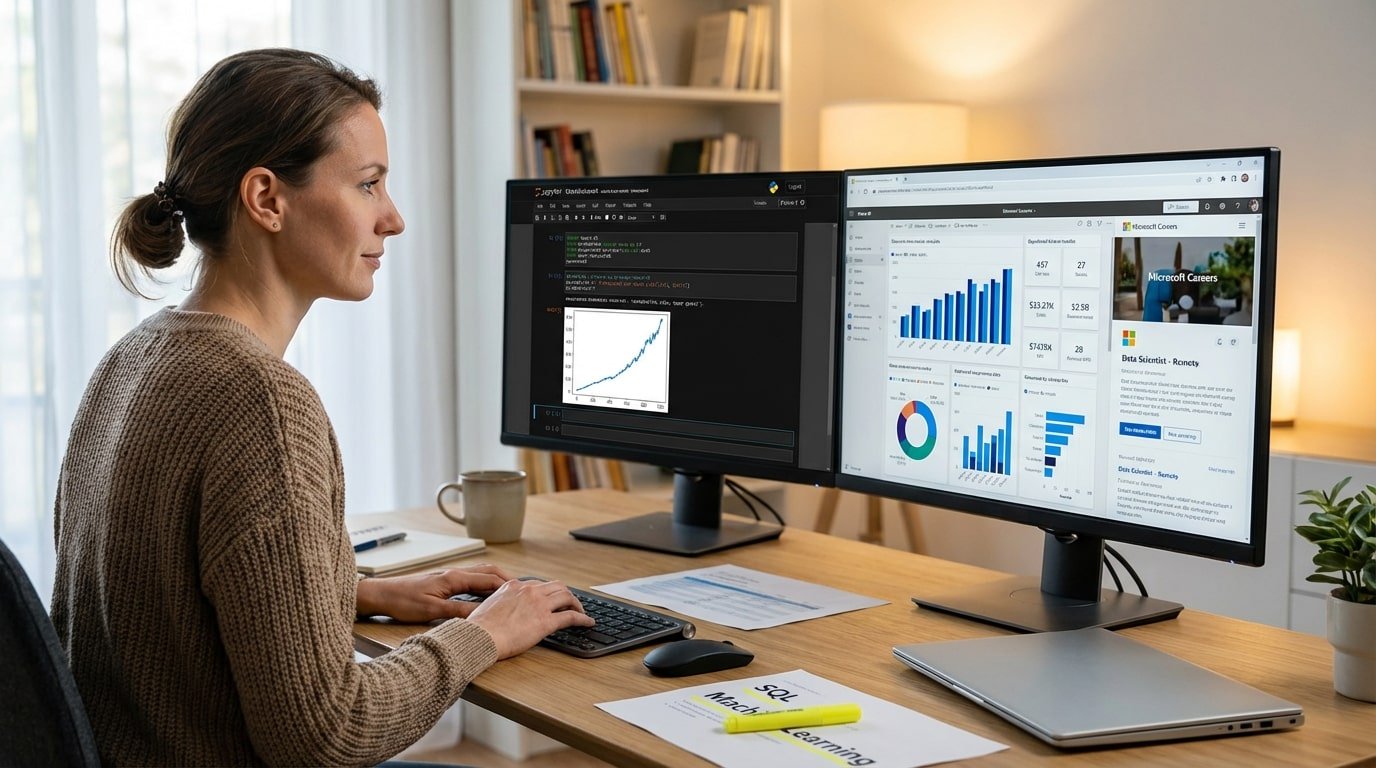
Role-Specific Interview Paths
The exact interview loop depends on the job. Engineers might get coding sessions, system design, or deep dives on past projects. Product or program roles often include prioritization, tradeoff decisions, and stakeholder scenarios. Design and research roles usually involve portfolio reviews and how you think through user problems.
No matter the function, you’ll likely talk to several people in the same day. Treat each conversation like a fresh reset. Explain your thinking, ask clarifying questions, and connect your experience back to outcomes that matter, not just tasks you completed. That’s how you show you’ll help the team, not just join it.
Practical Tips For A Professional Remote Setup
Since the interview runs through Microsoft Teams, your setup is part of the first impression. Make the tech invisible so the conversation can stay focused on your answers.
Test your camera, mic, and connection ahead of time, not five minutes before. Sit somewhere quiet with simple lighting, and keep the background clean so it doesn’t pull attention away from you. It’s also smart to have a backup option ready, like a phone hotspot or an alternate device, because remote work is full of small surprises and Microsoft knows that.
Conclusion
Remote Microsoft roles are easier to land when you apply with intention, not just sending as a gamble. If you take the time to understand what the role actually expects, tune your resume to match what Microsoft looks for, and prep your interview stories properly, you’ll come across as someone who can handle remote work without hand-holding.
Microsoft’s job postings also make it possible to be selective. The flexibility details are spelled out, so you can focus on roles that genuinely support working from home instead of guessing. With the right prep, the process feels a lot more manageable, and you spend your energy on opportunities that fit your skills and your day-to-day life.
FAQ: Remote Microsoft Careers
- Are all Microsoft remote jobs fully work from home?
- No. “Flexible” doesn’t always mean fully remote. Always check the Work Site field in the posting. Roles listed as “0 days / week in-office – remote” are the ones that are considered fully remote, as long as you’re located in the specified country.
- Can remote Microsoft careers be applied for internationally?
- Usually, no. Most remote roles are tied to the country listed in the job post because of local employment and tax rules. Even if the role is remote, you typically need to be located in the stated country. Check the Work Location details in the Microsoft career page before applying so you don’t get screened out for location alone.
- Do remote roles at Microsoft require different qualifications?
- The core requirements are usually the same as comparable on-site roles. The difference is what gets extra attention. Remote hires are expected to communicate clearly, manage their workload independently, and collaborate well across time zones without needing constant reminders.
- Is prior remote work experience required?
- It helps, but it’s not always required. If you haven’t been fully remote before, use examples that still prove the same strengths. Think self-directed work, async collaboration, ownership of deliverables, and situations where you kept progress moving without heavy supervision.
- How long does the Microsoft interview process usually take?
- It often takes a few weeks, and it can stretch longer depending on the team and role. After the initial screen, you may go through multiple rounds. Updates usually show up in the Microsoft Careers Action Center, along with any messages from the recruiting team.