Last Updated on October 31, 2025 by Team Ideas24
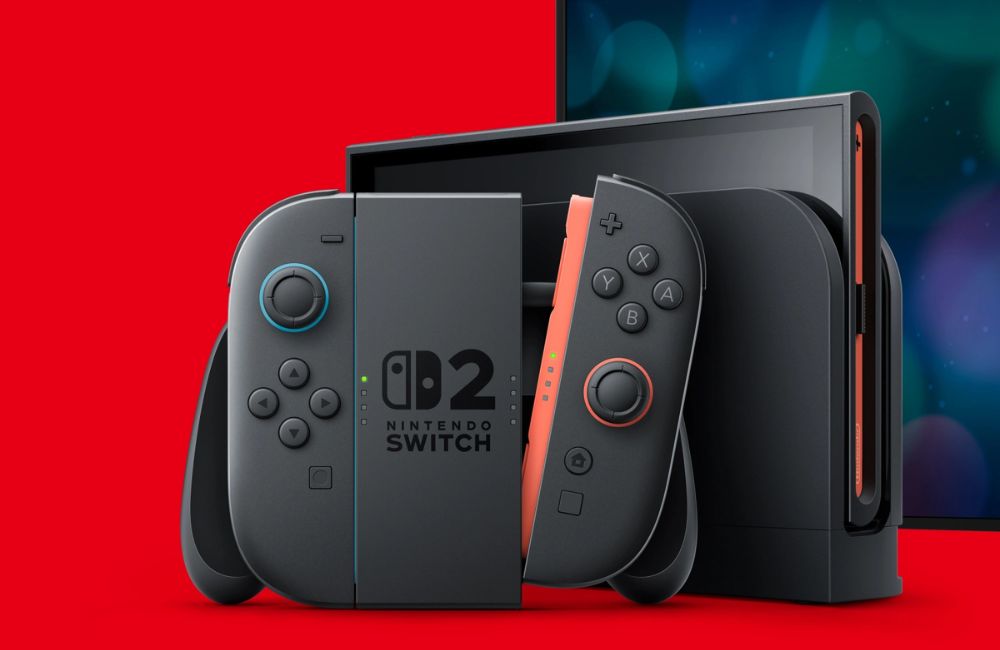
Gamers are buzzing about the Nintendo Switch 2 and its fresh power boost. If you’re grabbing the new console on day one, accessories matter as much as launch titles. A responsive controller keeps action tight in Mario Kart World or Donkey Kong Bananza. Extra-fast SD cards stop load delays and open space for a growing library. A tough travel case and tempered-glass screen protector guard your investment on every commute.
Contents
Key Takeaways:
- Protect your Switch 2 with a tempered glass screen protector, a travel case, and a PD charger.
- Add a high-capacity microSD card and a compact dock to expand play.
- Choose low-latency audio and pro-style controllers, and check older accessory compatibility.
The Best Accessories for Nintendo Switch 2 Owners
Enjoying the latest portable Nintendo system comes from more than just physical games. Below are the must have accessories to let you fully enjoy your new Nintendo Switch 2.
Nintendo Switch 2 Micro SD Card
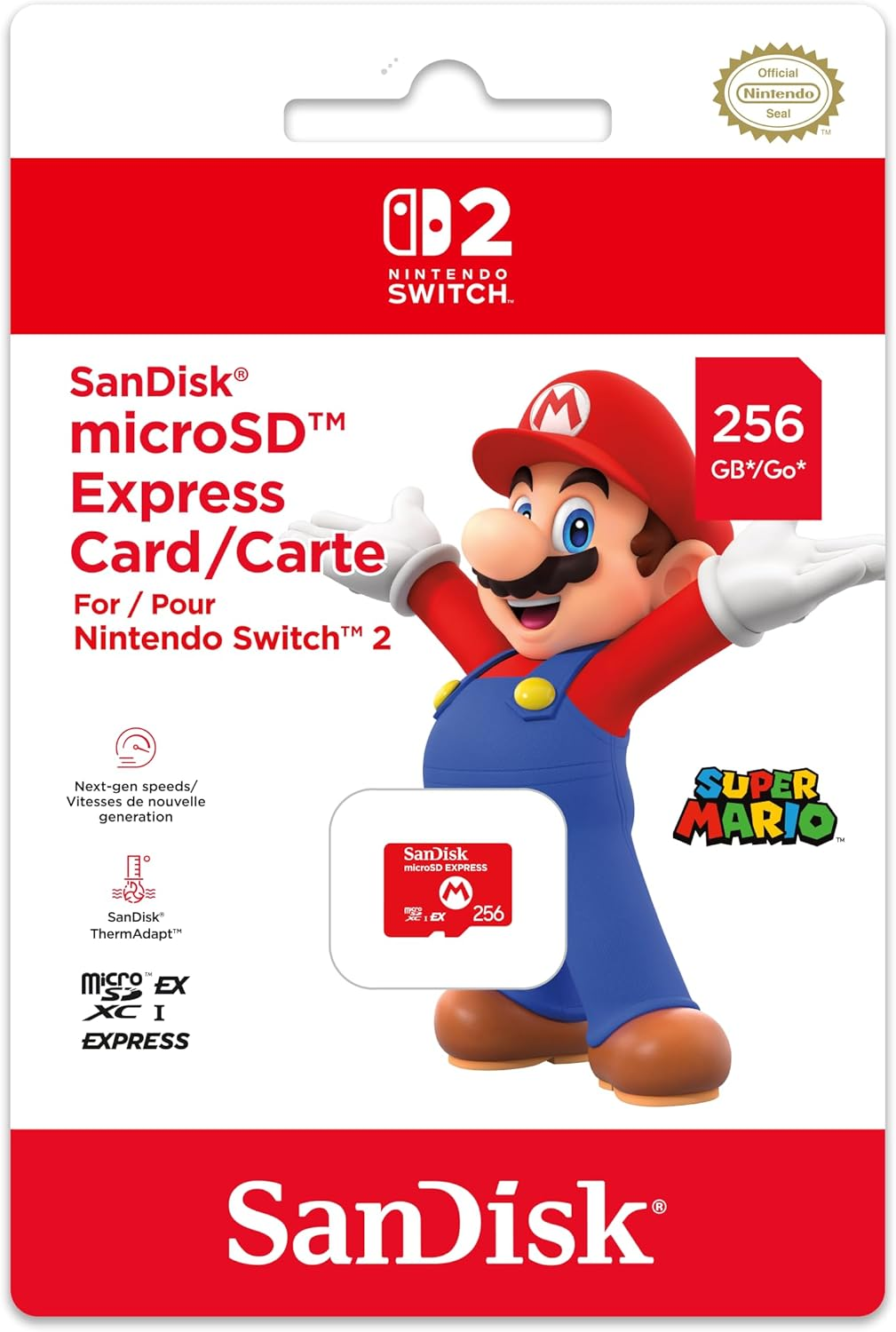
SanDisk’s Nintendo Switch 2 MicroSD Express card feels purpose-built for the new console. The 256 GB capacity triples the stock storage and leaves room for heavy hitters like Cyberpunk 2077, which alone swallows 64 GB. Sequential reads reach a claimed 985 MB/s, matching the Switch 2 bus and wiping out texture pop-in you still see with older UHS-I cards.
Speed matters because Nintendo locked the slot to microSD Express only; legacy cards won’t mount, so reusing your old Switch memory is impossible. Startup feels instant when you launch Mario Kart or resume a save suspended in sleep mode. Write speeds sit lower than reads, yet still dump a 15 GB eShop download in minutes during my test.
SanDisk wraps the PCB in a heat-resistant shell that shrugs off handheld temps and summer commutes. It also ships with a lifetime limited warranty for peace of mind. Downsides include a premium launch price and the lack of a 1 TB option, at least for now. Even so, if you expect to buy more than two digital games, this card becomes a day-one purchase. It’s the simplest way to keep your Switch 2 library fast, tidy, and future-proof, even for indies.
8Bitdo Ultimate 2 Bluetooth Controller
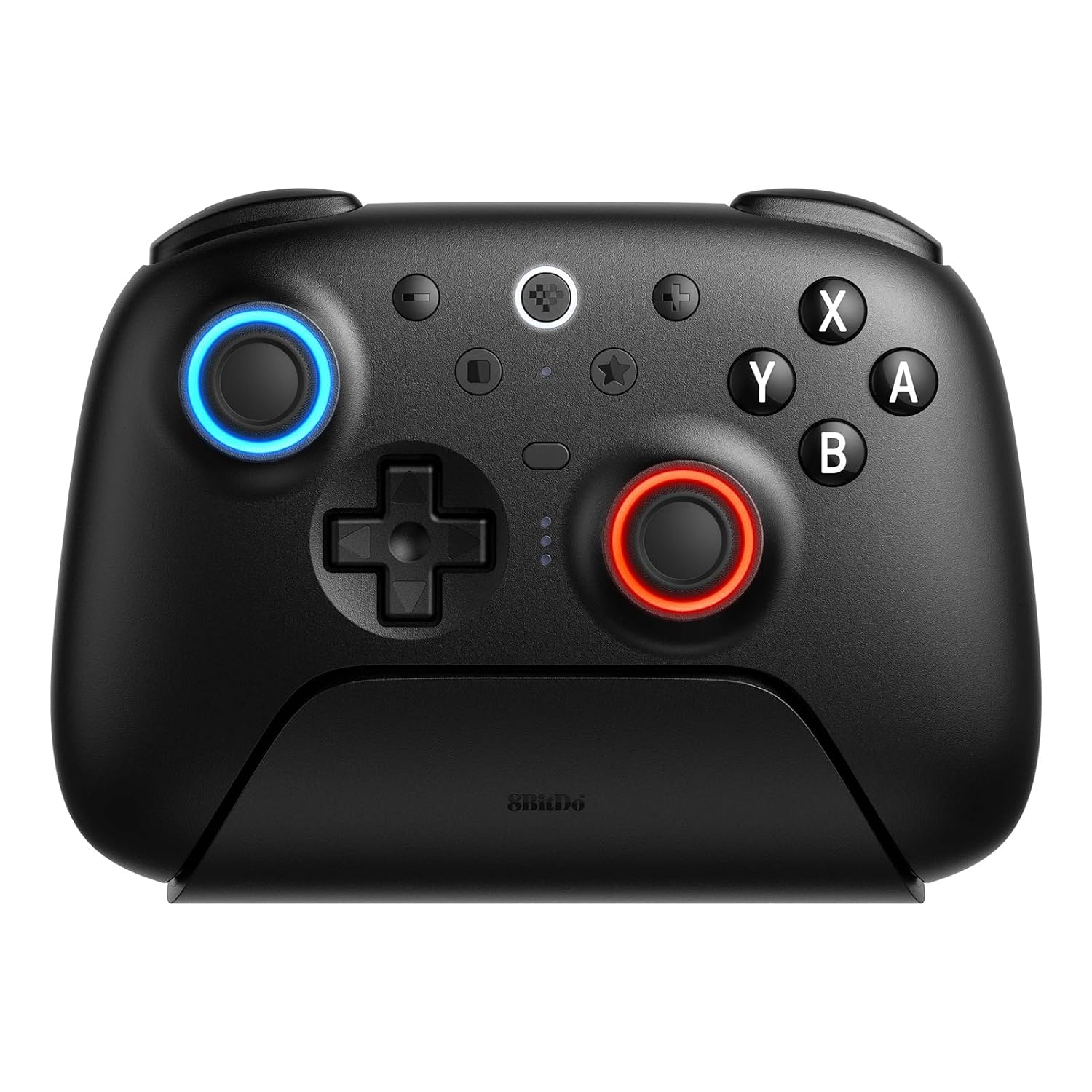
8BitDo’s Ultimate 2 Bluetooth controller upgrades the Switch 2 experience the moment you snap it into Bluetooth mode. Trip-motor-resistant (TMR) sticks track tiny tilts without drift while an RGB halo shows active profile at a glance.
Linear Hall-effect triggers convert to clicky tactile ones through a side switch, letting you feather gas in Mario Kart then cast spells in Howarts Legacy. Two rear paddles and extra R4/L4 bumpers put crouch or item swap under your fingers so you never lift a thumb during tight firefights. Motion controls, turbo, and three on-board profiles round out a feature list that beats Nintendo’s own pad at the same price.
You need a dedicated gamepad like this because Joy-Cons still feel cramped and drift-prone after marathon sessions. Switch 2’s faster frame rates demand precise inputs; loose sticks waste that power. Ultimate 2 pairs over Bluetooth, 2.4 GHz, or USB-C, so it doubles as a PC pad between commutes.
A weighted charging dock tops it up whenever you park it, sparing ports and cables. Battery life crossed 20 hours in my tests, and a rubberized shell kept grip steady even when palms ran hot. For players who treat Switch 2 as a primary console, this controller feels less like an accessory and more like a day-one essential.
amFilm Auto-Alignment OneTouch for Nintendo Switch 2
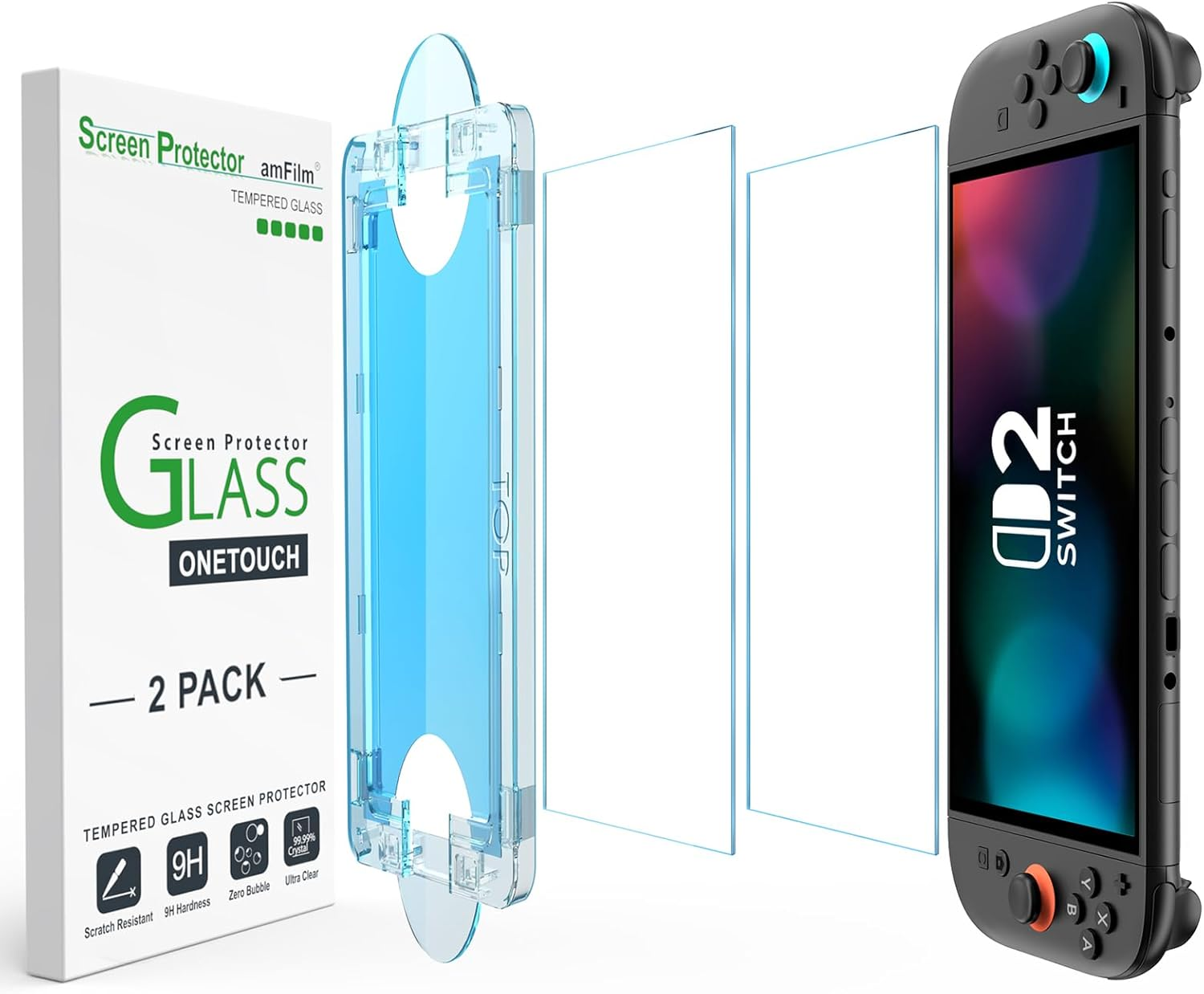
amFilm’s OneTouch tempered-glass screen protector arrives as a two-pack and lands a rare 4.5-star average while sitting #1 in Nintendo Switch screen protectors. The trick is the auto-alignment frame: drop the tray, press once, and the 7.9-inch panel settles in thirty seconds with no bubbles or dust halos.
Hard-coated 9H glass shrugs off keys and grit that collect during backpack travel, and an oleophobic layer wipes clean after long Joy-Con sessions. Touch latency stays razor-sharp in Mario Maker 2 thanks to the protector’s ultra-clear, sub-0.3 mm profile, so motion inputs register like bare glass.
Two pieces in the box let you keep a spare on hand or rescue a friend’s console after an unlucky drop. You need this shield because Switch 2’s brighter, faster OLED panel costs far more to replace than to protect.
Portable play exposes the display to café crumbs, airplane tray tables, and sibling fingers; a tempered layer absorbs the abuse, saving resale value and keeping HDR colors pristine. The kit even includes alignment stickers, alcohol wipes, and a microfiber cloth so that first-time installers won’t panic. If you plan to dock, undock, and commute with the new console, bolting on this screen guard feels less like an upgrade and more like insurance.
TomToc Slim Carrying Case for Nintendo Switch 2
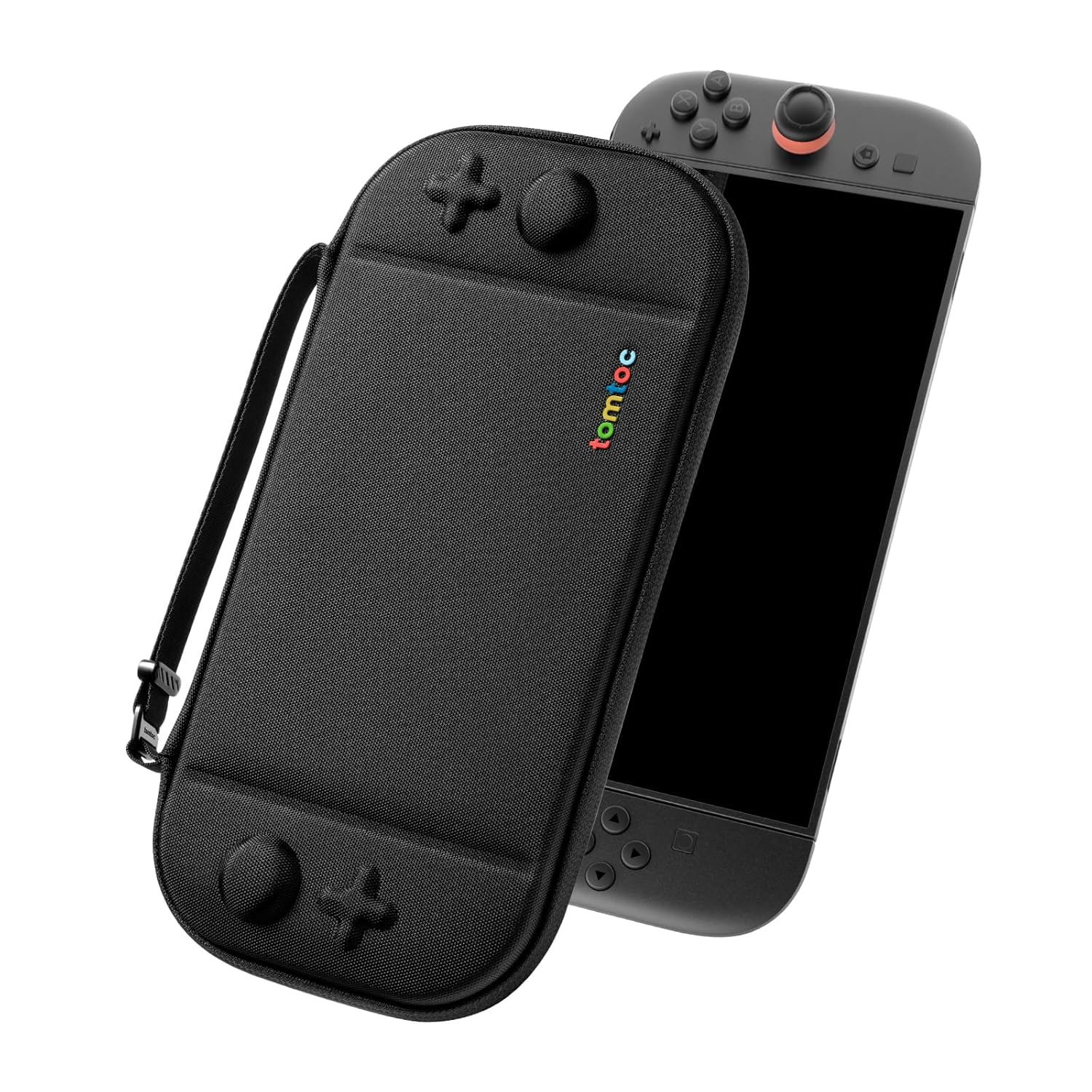
Tomtoc’s Slim Carrying Case for Nintendo Switch 2 is the top-ranked option in Switch cases, boasting a 4.8-star score and the #1 Best-Seller badge The felt-reinforced hard shell shrugs off drops yet stays feather-light. Plush interior fabric hugs the 7.9-inch OLED so scratches never reach the glass.
Twelve elastic card slots replace bulky plastic boxes and keep your whole library in one place. A YKK zipper glides smoothly, and a snap-tight buckle locks the lid. Low-profile handle makes train commutes easy. Wrist strap frees both hands while you’re juggling coffee.
The shell is barely an inch thick. It slides into messenger bags the original Switch case never fit. Bold color blocking adds style that matches Mint or Lavender Joy-Cons.
Tomtoc’s last-gen case earned nods from IGN and Wirecutter. This update keeps that pedigree and re-molds every vent and button for the new console. Switch 2 travels everywhere, coffee tables, subway seats, Airbnb sofas. One careless bump could turn a four-hundred-dollar handheld into a repair bill. Spend the cost of one game now and shield the console, the SD Express card, and your launch-day excitement for years to come.
Pro-Style Controllers and Back-Paddle Alternatives
Pro-style controllers add precision, comfort, and custom inputs for Switch 2 players. Back paddles map critical actions without moving thumbs. Pick designs that fit your hands, play style, and budget.
Official Pro Controllers and Premium Third-Party Options
Start with a first-party pad if you want proven compatibility, gyro, rumble, and effortless updates. Premium third-party models add taller sticks, textured grips, and swappable D-pads. Many offer trigger stops and onboard profiles. Check Nintendo’s certification notes and firmware support. Verify sleep wake and Amiibo NFC if you rely on them. Balance comfort against feature bloat.
Back-Paddle Controllers and Paddle Adapters
Built-in back paddles let your thumbs stay on the sticks during jumps, reloads, or item use. Look for two to four paddles with simple on-controller remapping. Some adapters add rear buttons to existing pads without tools. Others clip to Joy-Con style grips. Confirm each paddle can be disabled per profile. Test accidental activation risk before competitive use.
Hall-Effect Sticks and Drift Prevention
Magnetic Hall-effect sticks avoid physical contact on the sensing surface, which reduces wear and drift. Travel often feels smoother with better micro-adjustments. Swappable stick caps help fine-tune grip and height. Check dead-zone tuning in software. If a pad uses potentiometers, plan for replaceable modules. Spare stick kits and screw-open shells save time when maintenance eventually arrives.
Latency, Wireless Modes, and Wired Play
Lower input lag improves timing in platformers, fighters, and shooters. USB-C wired mode usually delivers the most consistent results at a desk or dock. Many pro pads ship with 2.4 GHz dongles that beat Bluetooth on latency. Keep the dongle in line of sight. Avoid metal obstructions near the console or TV stand to reduce packet loss.
Ergonomics, Hand Size, and Long Sessions
Fit matters more than features when you play for hours. Compare grip thickness, trigger reach, and button tension. Lightweight shells reduce fatigue, yet some players prefer heavier pads for stability. Textured backs improve hold with sweaty hands. If your palms cramp, try smaller grips or add raised backstraps. Comfort keeps inputs reliable as matches drag on.
Profiles, Remapping, and Anti-Cheese Settings
Onboard profiles let you switch layouts for racers, shooters, and platformers without software. Map paddles to jump, dodge, or reload. Use trigger stops for rapid taps. Avoid turbo or macro features in tournaments. Many events require lockout switches that disable scripted inputs. Label each profile clearly. You’ll spend more time playing and less time hunting settings.
Back-Paddle Alternatives for Handheld Mode
If you prefer handheld play, look at split grips with rear buttons that replace the default side controllers. Larger handles stabilize the console and reduce clawing. Some models add turbo, paddles, and taller sticks. Check carry case fit, since bigger grips may not pack well. Verify dock clearance and sleep wake behavior before making them your daily drivers.
Conclusion
Nintendo Switch 2 deserves accessories that keep up with its faster hardware. The microSD Express card frees you from storage limits and cuts load times so games stay snappy. 8BitDo’s Ultimate 2 pad adds drift-proof sticks, back paddles, and a dock that charges while you rest. Your hands stay fresh through every marathon and the console feels like a home system even in handheld mode.
amFilm’s tempered glass saves that bright OLED from keys and grit, while Tomtoc’s slim shell blocks bumps without bulking up your bag. Each add-on costs less than a new release yet protects or improves daily play. With millions of unit sold on its launch, the Switch 2 is the hottest gaming console from Nintendo.
FAQ: Nintendo Switch 2
- Will my existing Switch accessories work with Switch 2?
- Many will, but not all. MicroSDXC cards should carry over after a format. USB-C chargers that follow USB Power Delivery usually work. Controllers may need a firmware update. Check the maker’s page for a Switch 2 note before you buy.
- What charger specs are safe for the Switch 2?
- Pick a USB-C PD 3.0 charger with fixed 5V and 9V profiles in the 20W to 30W class. Use an e-marked 3A USB-C to C cable to prevent dropouts. Avoid PPS-only chargers and voltage trigger cables. Fast charging depends on Nintendo’s limits, not the brick’s headline wattage.
- Which microSD card gives the best load times?
- Choose UHS-I cards rated U3, V30, and A2. Capacity between 256GB and 1TB hits a sweet spot. UHS-II cards are compatible but won’t run faster in a UHS-I slot. Buy from trusted sellers to avoid counterfeits.
- How do I cut audio lag with wireless headsets?
- Use a 2.4 GHz USB-C dongle headset for the lowest latency. If Bluetooth LE Audio is supported, an LC3-capable headset can help. Keep the console in line of sight to the dongle. Reduce interference by limiting busy 2.4 GHz Wi-Fi channels near your setup.
- Are third-party docks safe to use?
- Look for docks that state USB-IF PD compliance and offer firmware updates. The dock should handle clean PD passthrough at common 5V and 9V profiles and advertise HDMI 2.0 for modern TVs. Pair it with an e-marked C-to-C cable. Avoid no-name hubs that hide their PD specs.